
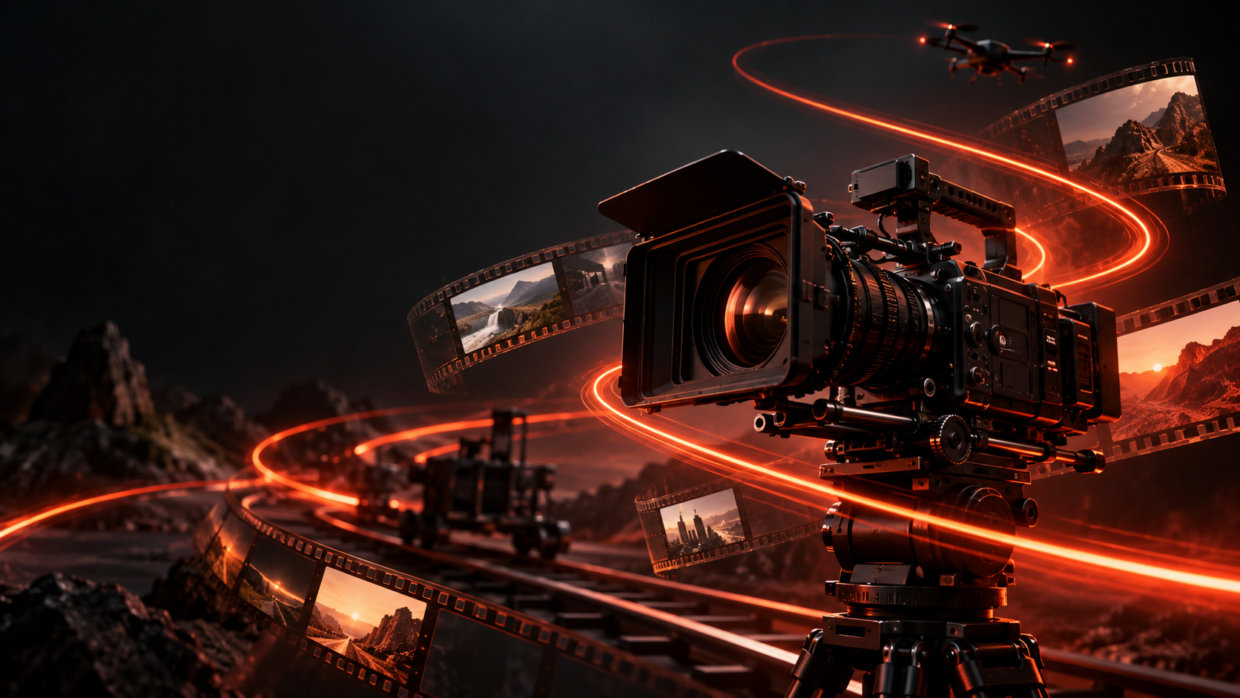
Use these Google Flow prompt modifiers as clear natural-language directions to shape camera movement, pacing, and visual style.
Prompt
IMPORTANT: These are natural-language prompt modifiers, not official Google Flow slash commands. Add the relevant line to your video prompt, then describe your subject, setting, lighting, action and audio.

1. CINEMATIC LOOK
cinematic movie-style scene, dramatic lighting, intentional composition, rich detail

2. SMOOTH TRANSITION
smooth transition from the opening scene to the next scene, maintain subject and lighting continuity

3. SLOW MOTION
ultra-smooth slow-motion action, realistic motion blur, detailed movement

4. TIMELAPSE
timelapse showing time passing quickly, changing light and motion across the scene

5. DOLLY IN
slow dolly-in camera move toward the subject, gradual forward push, shallow depth of field

6. ORBIT
camera slowly orbits around the subject, keep the subject centered, parallax background movement

7. DRONE VIEW
high aerial drone view, cinematic establishing shot, natural forward flight

8. CLOSE-UP
tight emotional close-up, expressive facial detail, shallow depth of field

9. TRACKING SHOT
handheld tracking shot following the subject in motion, natural camera movement

10. NEON MOOD
futuristic neon-lit environment, glowing reflections, moody high-contrast atmosphere

11. VHS LOOK
retro VHS video aesthetic, analog grain, soft scan lines, subtle tape artifacts

12. ANIME STYLE
stylized anime video look, clean linework, expressive motion, cinematic lighting

13. GLITCH EFFECT
controlled digital glitch transition, brief RGB separation and signal distortion

14. SEAMLESS LOOP
create a seamless looping video where the final frame naturally matches the opening frame

COPY-PASTE STARTER:
[Your subject] in [your setting], [action]. Use: [choose one modifier above]. Keep the subject consistent. [Add lighting, mood and audio details].
Prompt Details
AI ToolGoogle Flow
Prompt TypeGoogle Flow
Aspect Ratio16:9